Fixing my LinkedIn profile: what I changed and what worked
I'm still learning LinkedIn. I've been on it since 2010, but I only started posting seriously this year. So take this as notes from someone figuring it out, not a masterclass.
One thing caught me off guard.
Once I started posting regularly (I wrote about that in my 4-month posting experiment), people started visiting my profile. A lot of them. In one recent week, LinkedIn showed me 910 profile views.
That made me curious. What were these people looking for? So I opened my own profile and tried to look at it the way a stranger would.
Honestly, it was not at all optimised.
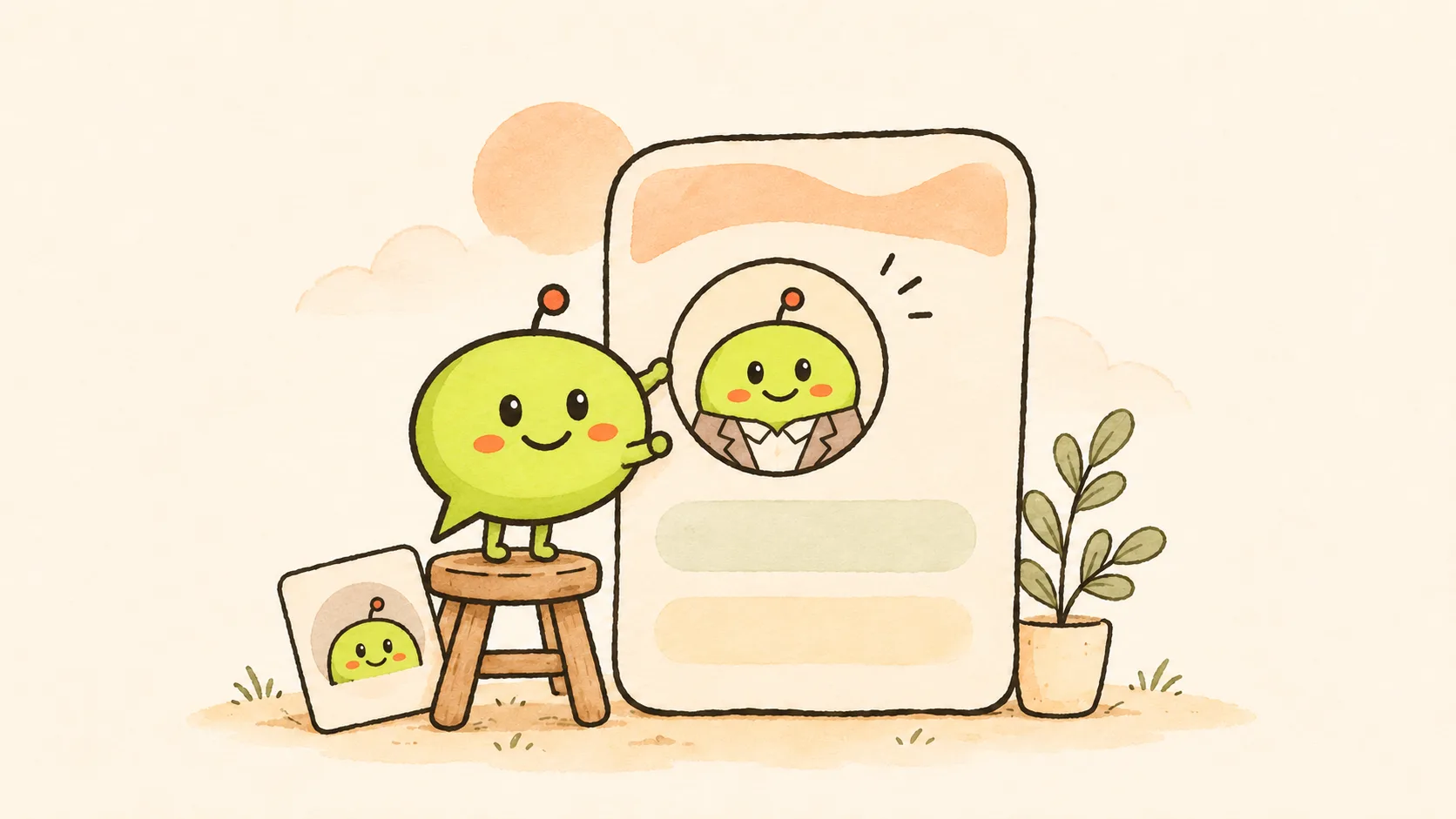
Someone reads your post, likes it, and taps your name to know more. Your profile is the very next thing they see. Mine wasn't telling them much. So I started fixing it, one part at a time.
The banner
This is where I started, because it's the biggest thing on the page.
I wanted it to say something I actually believe. Mine now reads: "Your company owns your laptop. You should at least own your community and audience." Below that, a short line about my 20 years in community, marketing, growth and SEO.
Will that line still be there next month? No idea. But it feels much more like me than what I had before.
One thing to know: your profile photo sits on top of the bottom-left corner of the banner, so don't put anything important there. I made mine with our free LinkedIn banner maker, which marks where the photo goes.
The photo and headline
I changed both. These two follow you everywhere: next to every post, every comment and every connection request.
My headline now says what I do and what I've built: my company, Jatra and Wiral.Social, and that I'm a 3x TEDx speaker. My thinking was simple: a visitor should know in a couple of seconds whether I'm relevant to them.
If you're stuck on yours, the headline generator gives you 5 options to start from. I'd still tweak whatever you pick so it sounds like you.
The About section
I didn't edit mine. I rewrote the whole thing.
What helped me was imagining I was introducing myself to someone at an event: who I am, who I help, what I've done, and what people can reach out to me for. The first two lines matter most, because that's what shows before "…see more".
Experience and skills
Not exciting, I know. But people do scroll down, and old details make you look inactive. So I brought all of it up to date, along with the other small bits.
The change that surprised me
I added one call-to-action link at the top of my profile: "Book Community Strategy Call".
I didn't expect much from it. That little link has booked at least 20 to 25 calls so far. I say "at least" because I wasn't tracking it at all, which, looking back, was silly. I'm adding a tracker now.
My guess at why it works: people visiting your profile are already curious. One clear next step makes it easy for them. Yours could be a call, a newsletter or your website. Whatever fits.
If you're job hunting, this matters even more. Recruiters look at your profile before they reach out, and I know people who got contacted just because their profile and posts were clear. There's more on that on our page for job seekers on LinkedIn.
Still testing
My current profile went up on 3 November. It's not finished, and I don't think it ever will be. I'm treating it like a post: try something, watch what happens, change it.
If you want a second opinion on yours, paste it into the profile checker. It scores each part and suggests one fix for each.
What helped me most
Opening my profile in a private browser window, so I saw it the way a stranger does. Then asking one question: if I knew nothing about this person, would I know how they could help me?
That one question showed me most of what needed fixing.
Your turn: what's one thing on your profile you know needs work but keep putting off? Share it in the comments. I'm still learning too, so let's figure these out together.